

Comprehensive Intake Assessment Template for Mental Health
A mental health intake assessment form captures the client’s reasons for seeking care, relevant history, and preferences. The clinician reviews those responses, documents the assessment, and assigns follow-up for anything still open.
About the print versionLast updated November 11, 2026
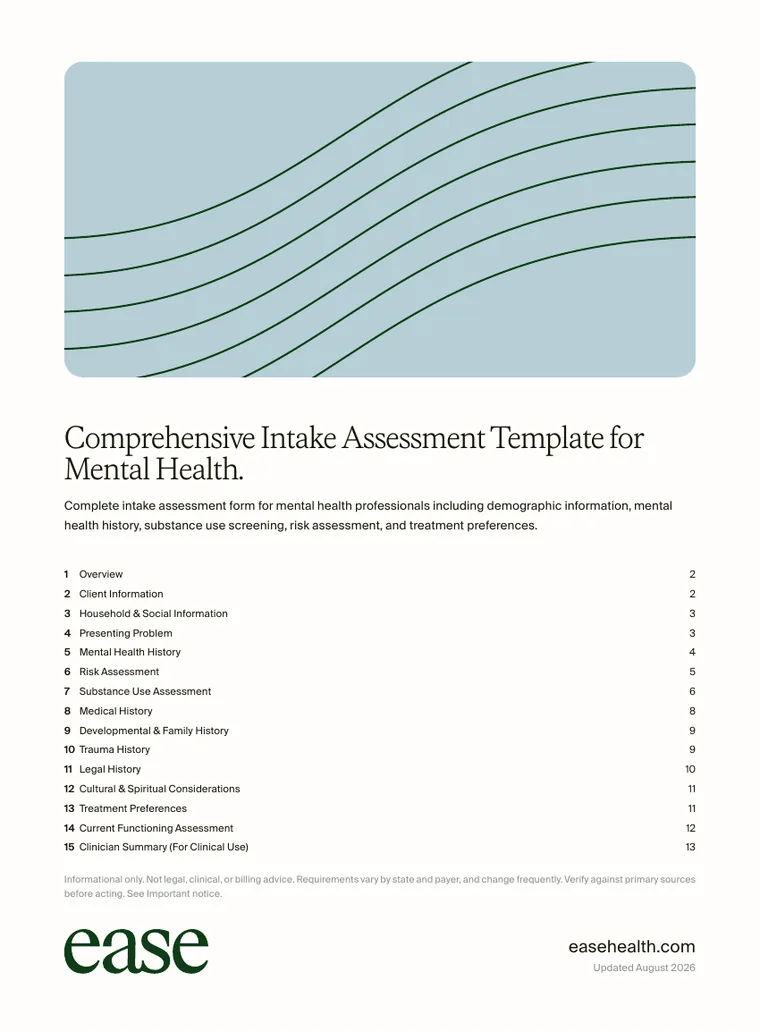
What's inside
Choose the intake guide or the printable form
Intake assessment guide
Use the guide to review sample questions and the clinician’s documentation prompts before building a practice intake packet. Choose which fields to collect for your setting.
Printable client intake form
Use the printable client form for a blank packet with client response pages and a separate Office Use page. Tell clients how to return it using the practice’s approved method.
How to hand off an open item after intake
A fictional client returns the intake form on Tuesday. It names an outside prescriber, but the clinic has yet to receive a current medication list. The intake team records the source of the information and routes the open item to the clinician. The clinician’s review remains separate from the form’s receipt.
See the intake assessment definition for how the form and the clinician’s assessment fit together.
- Received. Record when the form arrived and label the prescriber information as client-reported.
- Pending review. Give the open medication-list item a named owner and a next check date. The practice uses its usual process for obtaining outside records.
- Reviewed. The clinician records what was verified and what still needs follow-up. Leave the outside-record request open until the receiving team can account for it.
Check the expected owner and date at the next handoff. For the broader referral process, see the Institute for Healthcare Improvement’s referral guide and the Ease Health admissions CRM overview.
Ready to get started?
Download the complete resource and start improving your practice today.
Frequently Asked Questions
An intake form can cover the reason for seeking care, contact details, relevant health and treatment history, and care preferences. The clinician reviews client responses and records the assessment and follow-up separately.
Use the guide for sample questions and clinician documentation prompts. Use the printable form when you want a blank client packet with an Office Use page. Have your practice review and adapt either resource before use.
Yes. Enter your name, work email, and role to unlock the guide and the printable form. Give completed intake paperwork to your own practice using the method it provides.
Record when the form arrived, what was client-reported, and what is still open. Give each unresolved item a named owner and a next check date. The clinician documents what was reviewed.
Ease Health provides an all-in-one EHR, billing, and CRM platform purpose-built for behavioral health. It brings admissions and referral tracking, clinical documentation, and billing into one system, with AI assistance built into the documentation workflow rather than bolted on. Request a demo at easehealth.com to learn more.