

Behavioral Health Admissions CRM
Run a sample admission
Give each vendor the same four fictional intake records. Move the IOP referral from Site A to Site B, check the clinical handoff, and ask the reporting lead to find the one admission among three distinct referrals.
Bring the fictional referral records (CSV) and use the CRM demo scorecard (CSV) to record what each vendor shows.
From referral to the first clinical visit
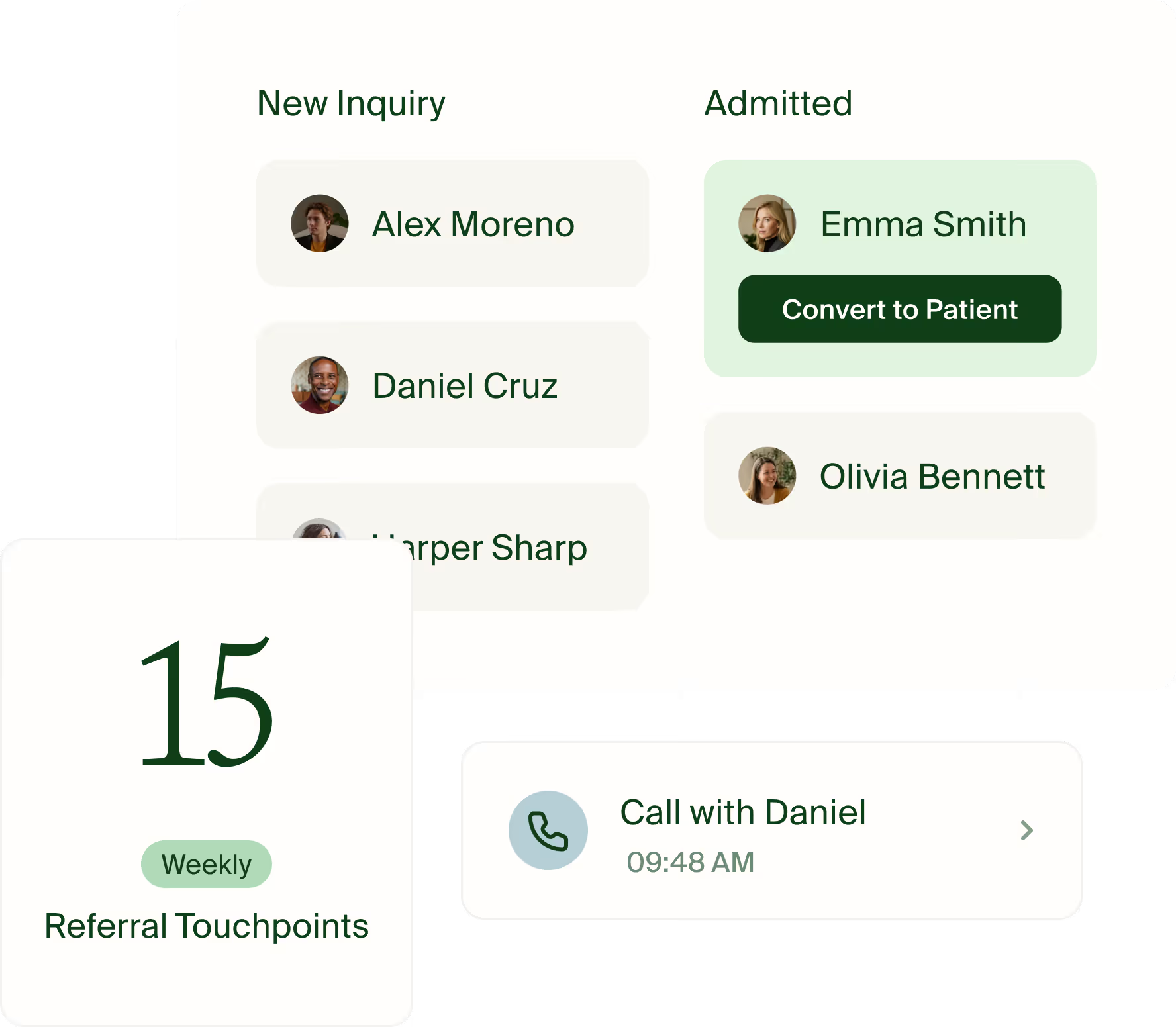
Admissions teams use Ease Health to log referrals in a configurable pipeline, check insurance eligibility through Availity, and review intake information in the shared EHR chart at admission.
When an IOP referral moves to another site, ask the receiving team to find the original benefits response and show which facility and service date it covers. Use the treatment center benefits verification guide to decide what the next team needs before acting on the referral.
If you’re evaluating admissions, clinical work, and billing together, follow an IOP/PHP patient from referral to draft claim. Each step identifies what to verify in your demo.
See how NOW Counseling streamlined intake documentation as it expanded across outpatient, residential, and partial hospitalization programs.
Everything you need in a CRM
"The system is designed simply but has robust functionality aimed exactly at the needs of BD and admissions teams working in behavioral health"

What it’s like working with Ease


Seamless integrations
Ease works seamlessly with your existing systems and vendors, enabling reliable data exchange and smooth, end-to-end workflows.






FAQ
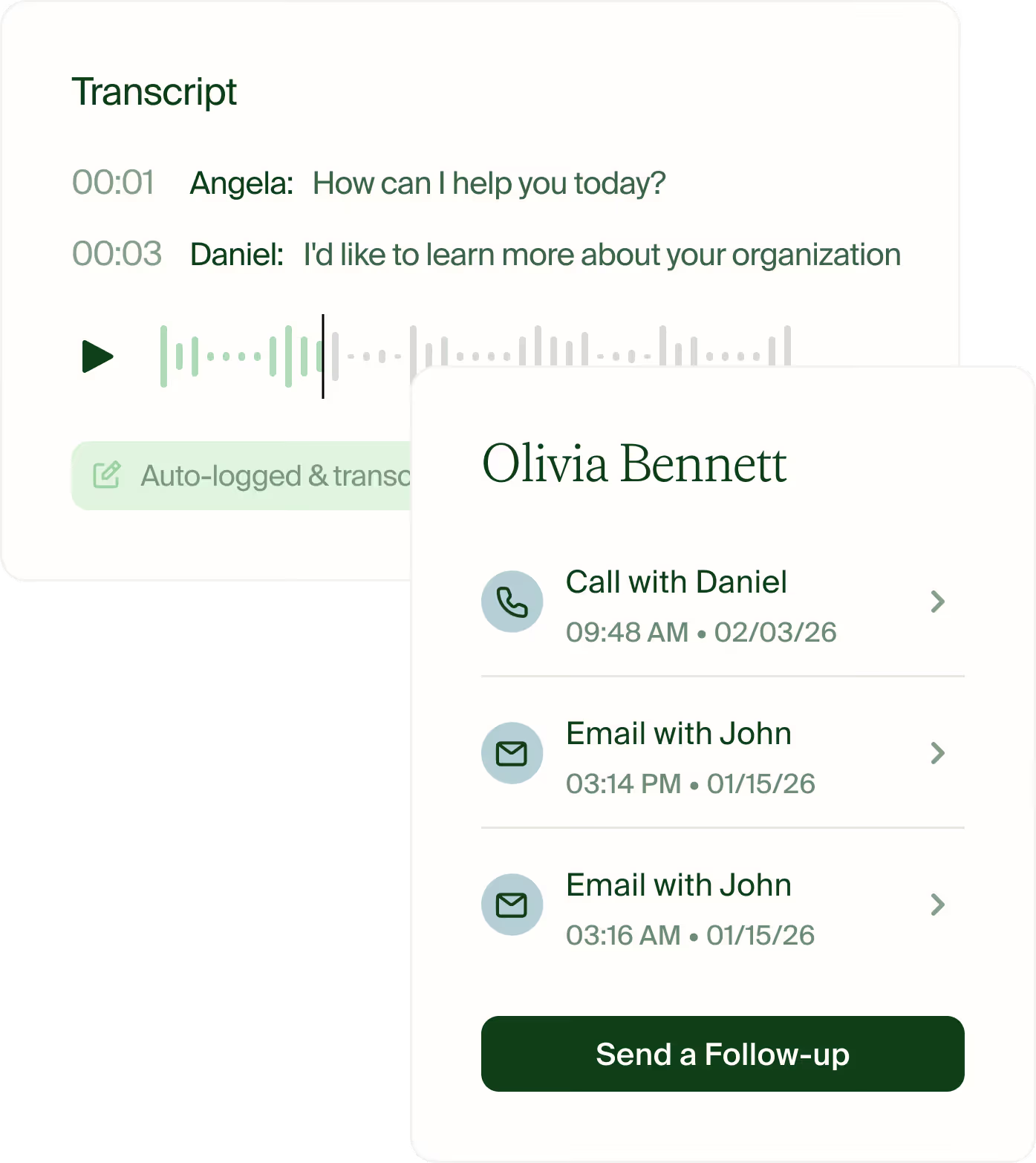
Ease Health lets admissions teams record a referral source, track inquiries through a configurable pipeline, and report on referral activity and conversions.
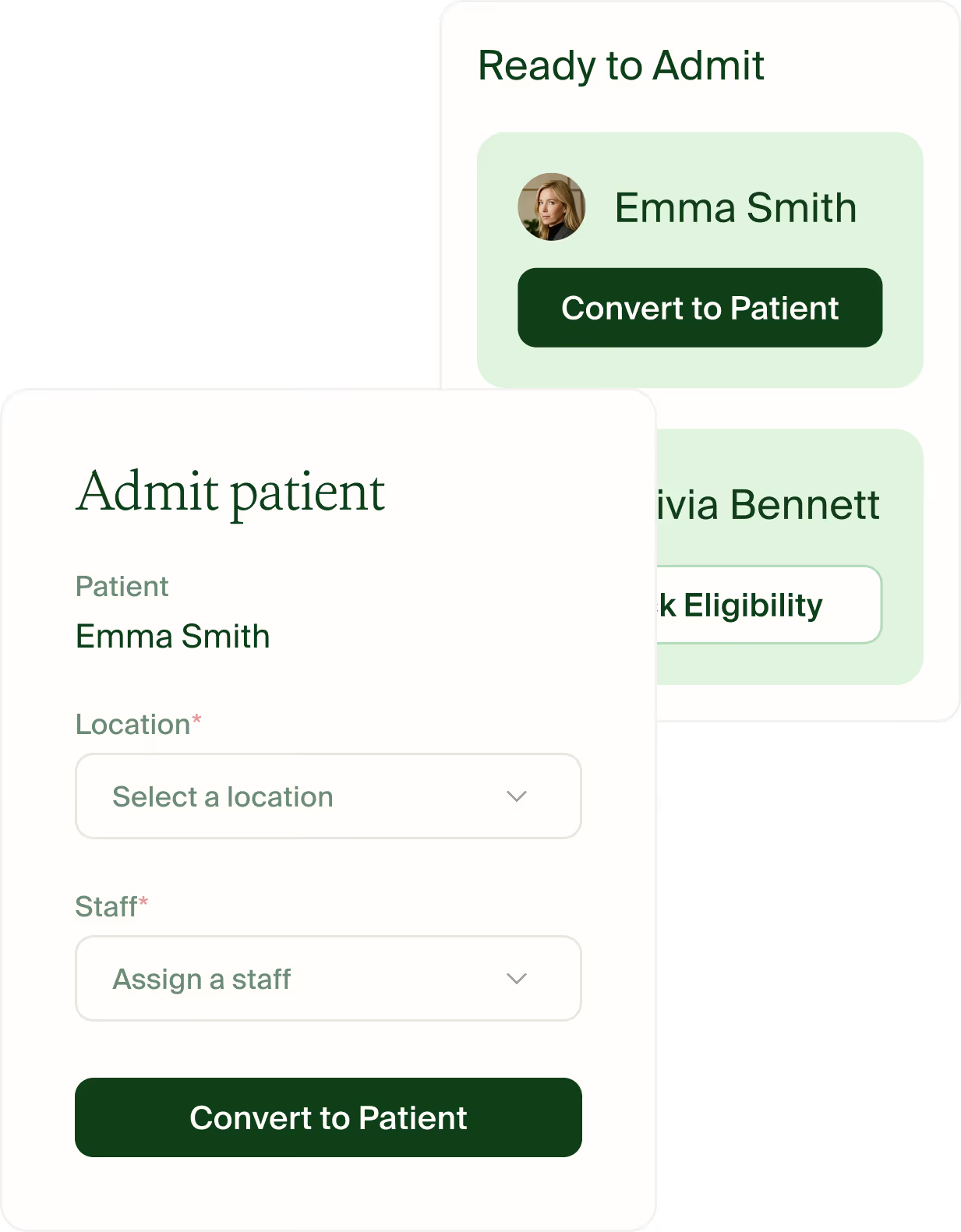
A behavioral health CRM gives admissions teams a place to track referrals, intake steps, and follow-up before care begins. Ease Health connects that pipeline to the EHR so staff can review an inquiry and bring it into the patient chart at admission.
Ease Health offers Power BI dashboards, custom reports, and reporting from intake through billing.
Ease Health checks insurance eligibility through Availity during intake. Admissions teams can review the returned coverage and benefits, record confirmed amounts, and follow up on open questions before handing the patient to the clinical team.
Ease Health’s CRM and EHR share a patient record. Staff can convert an inquiry at admission and review the intake information available in the chart.