

Behavioral Health Billing Software and RCM
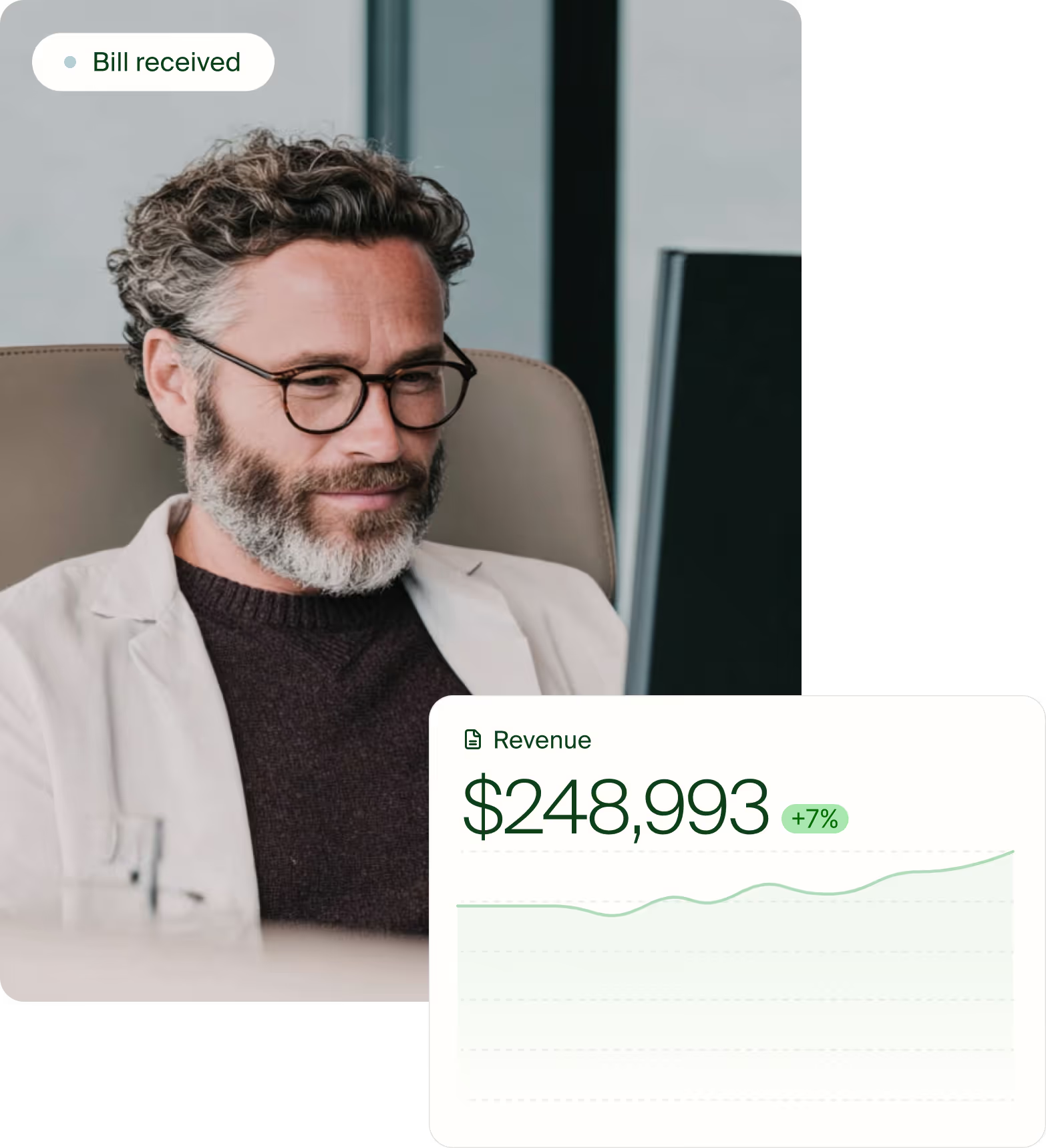
Trace an encounter to a draft claim
Ease Health’s EHR and RCM share a patient record. Configured charge rules prepare draft claim lines from eligible encounters. The biller reviews the draft and chooses when to submit it.
- Find the encounter. In Claimable Events, look up a fictional IOP visit. Use the Billable filter to check whether a note is awaiting approval, a charge rule is missing, or the visit is already linked to a claim. Watch the encounter review.
- Check the draft. For the eligible visit, open Claim Preview and compare the service date, billing entity, and proposed units with the encounter and your billing rules.
- Verify the handoff. Repeat with a second visit whose note needs supervisor review. Ask the biller to show where to see the issue and what changes after clinical staff complete the review. Keep both examples in the test environment.
How in-house teams bill for substance use treatment
Ease Health gives substance use treatment billers a shared clinical and billing record. Review which authorization covers the service, use configurable rules to generate a draft claim from the documented encounter, and use the claims worklist to follow up when a claim needs attention. Your biller can review payment and adjustment details in the electronic remittance advice.
If an encounter is missing in Claimable Events, filter by patient and service date. The missing encounter walkthrough shows who can resolve each issue and what to verify in Claim Preview.
Read how Treatment Trends moved from handwritten claims to electronic billing across its substance use treatment programs.
Compare in-house billing and behavioral health RCM services
Start with one visit. Before choosing software or a billing service, have your clinical and billing teams name who owns each step and ask how the next person can see that it is complete.
- Before submission. A visit has a signed note but no matching charge rule. Identify who checks the encounter, who can correct the configuration, and who decides when to submit.
- After submission. There is no clearinghouse acknowledgment. Identify who checks whether the claim was received and who records the next action.
- After payment. A remittance needs attention. Identify who reviews the adjustments, who applies the payment, and who reconciles the balance.
Take the three scenarios into your evaluation and record each handoff in the billing demo scorecard (CSV).
Everything you need from an RCM team
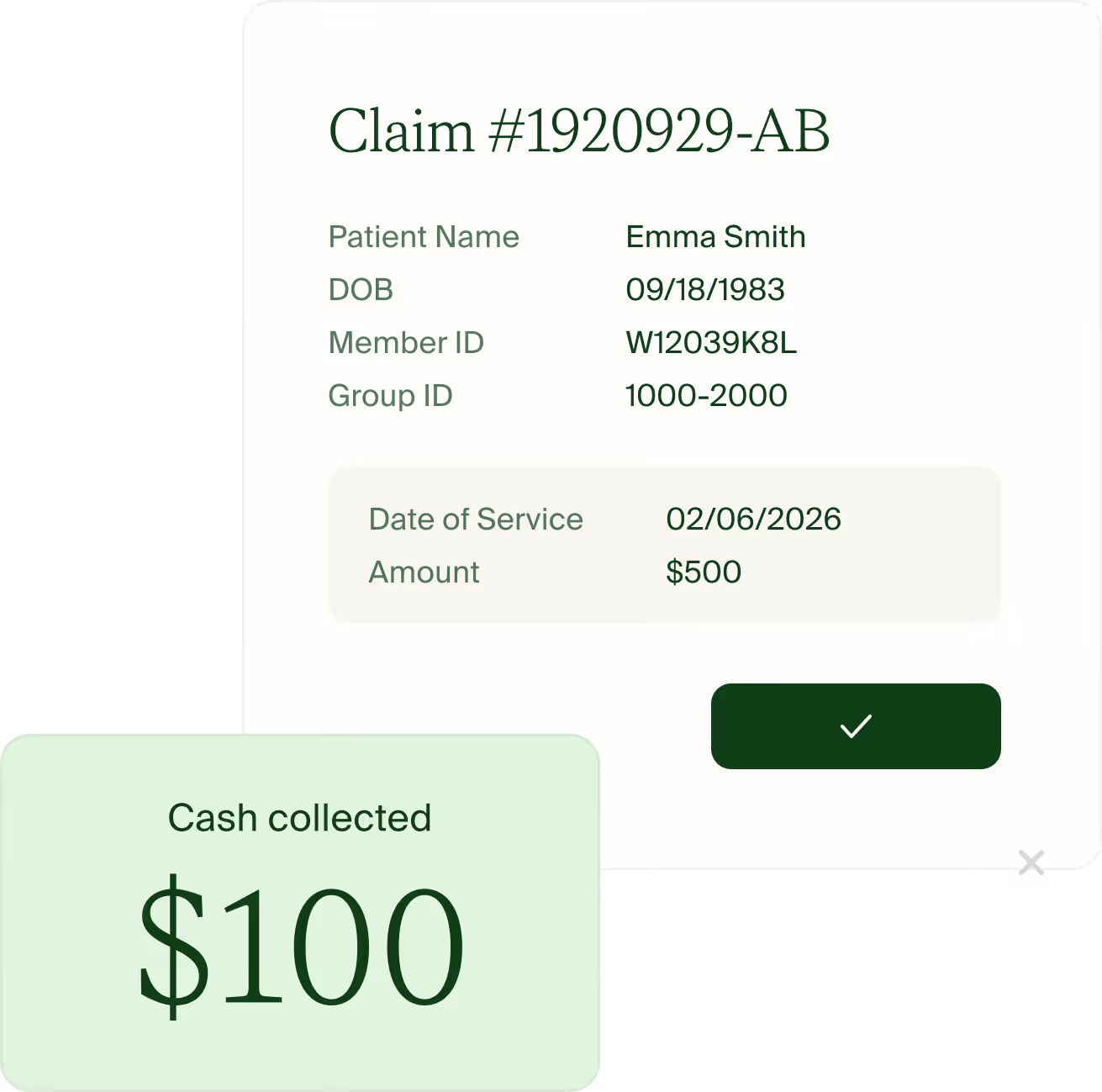
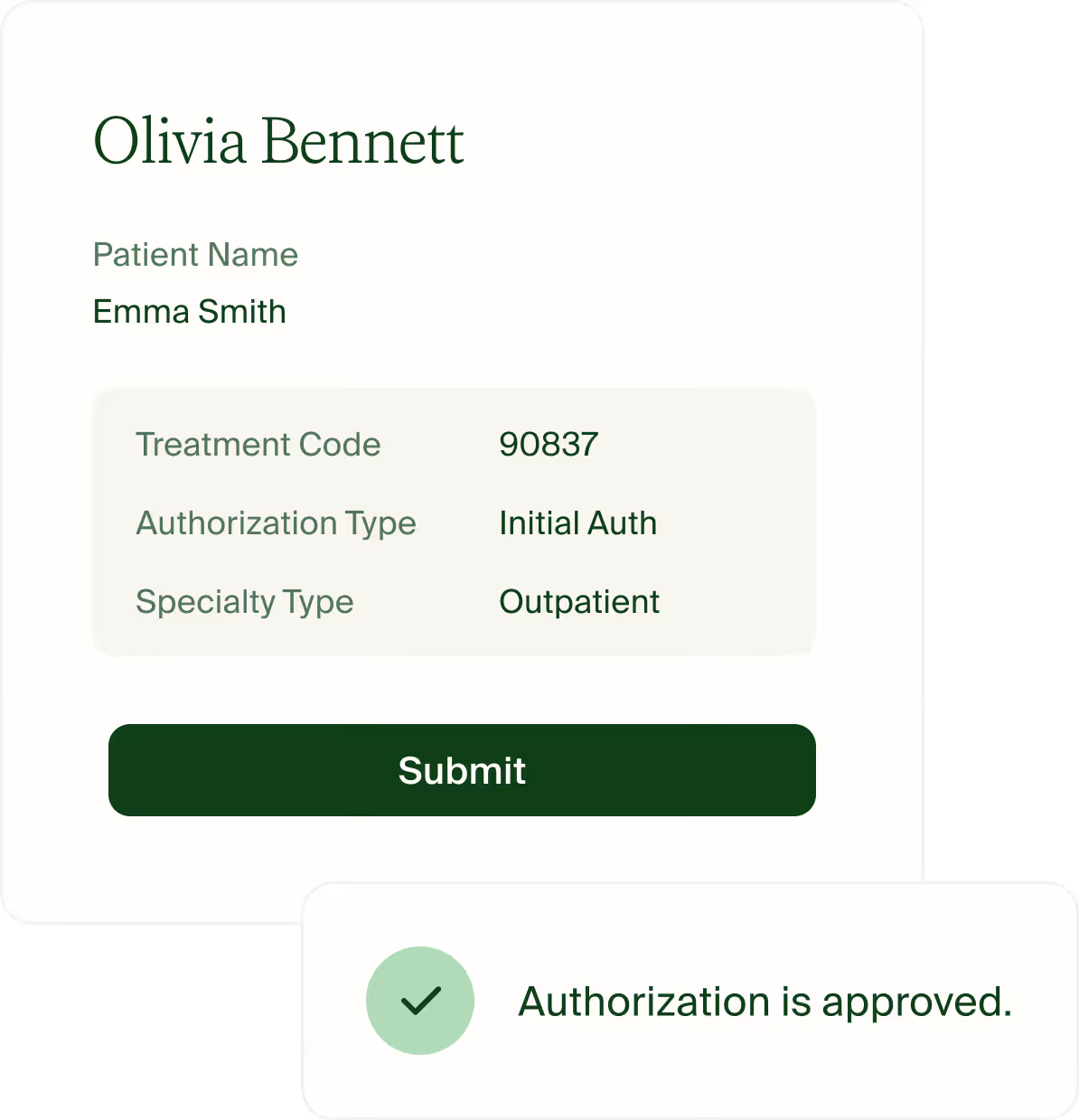
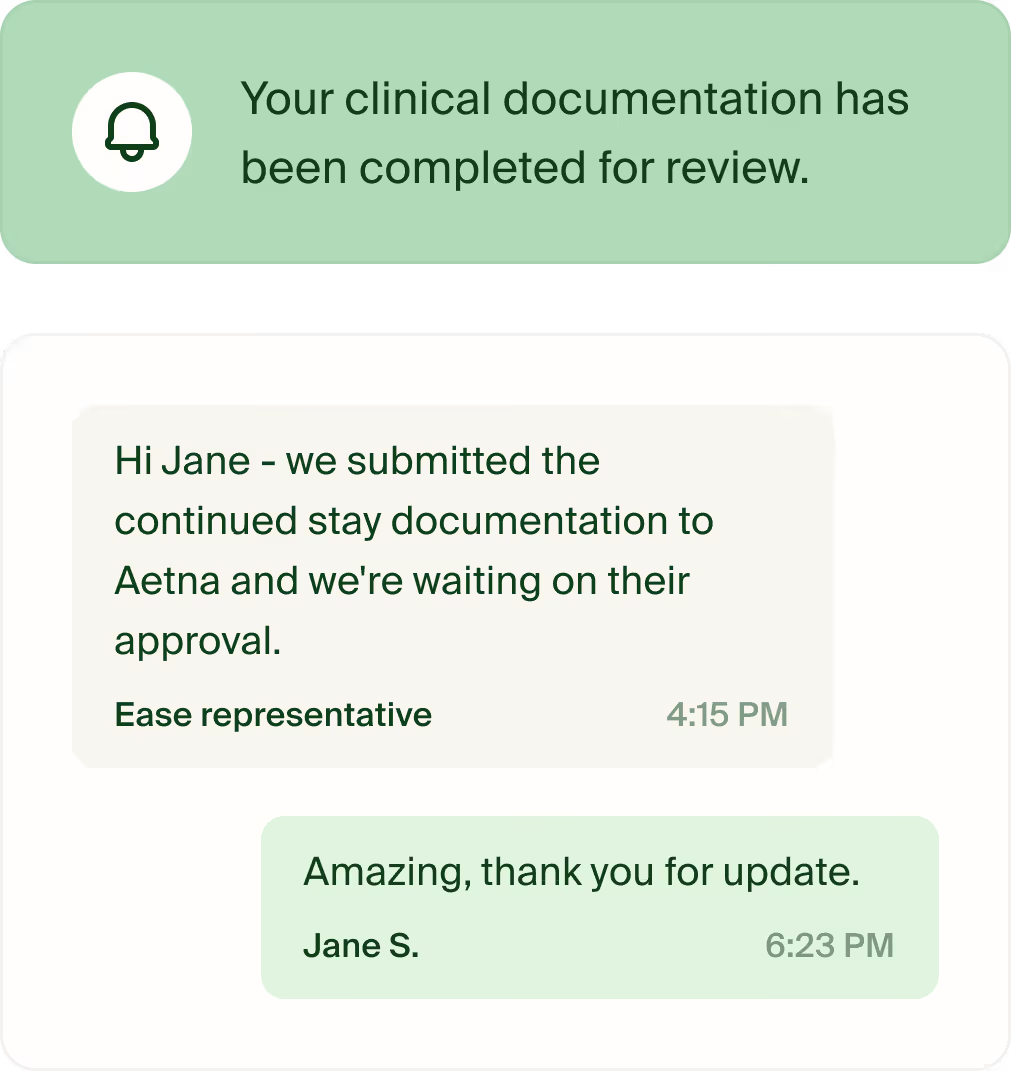
What it’s like working with Ease


RCM software for your in-house billing team
Automated claim preparation
Configured rules prepare draft lines from eligible encounters. A biller checks the lines in Claim Preview. Create Claim saves the claim. Finalize & Submit Claim sends it.
Try six claim status cases and choose the next actionWorklist
rules engine
ERA payment posting
FAQ
Behavioral health revenue cycle management (RCM) connects coverage and authorization checks with claim preparation, submission, payment posting, and follow-up. Ease Health puts these workflows alongside the clinical record so billers can review the encounter that produced the claim.
Ease Health uses configurable rules to generate draft claims from eligible encounters. Billers can review the service date, provider, and proposed line items before sending a claim.
Ease Health reports on clean claim rate, days in accounts receivable, and denial rate.
Ease Health offers Power BI dashboards and custom reports from intake through billing.
Ease Health receives electronic remittance advice through Availity. Billers can review service-line totals and apply a payment manually. Practices that enable automatic posting can check when a payment is scheduled to post, place it on hold, or review the reason a remittance needs attention.
Ease Health’s EHR and RCM share a patient record. Billing staff can use the claims worklist alongside the clinical record to review encounters, see where follow-up is needed, and handle claims.
Ease Health offers billing services alongside its shared EHR and RCM platform, and billing software for in-house teams. Agree which team owns charge review, submission, denial follow-up, and payment posting for your setup.
Contact Ease Health with your levels of care, claim volume, and the billing tasks you want your team or Ease to handle.